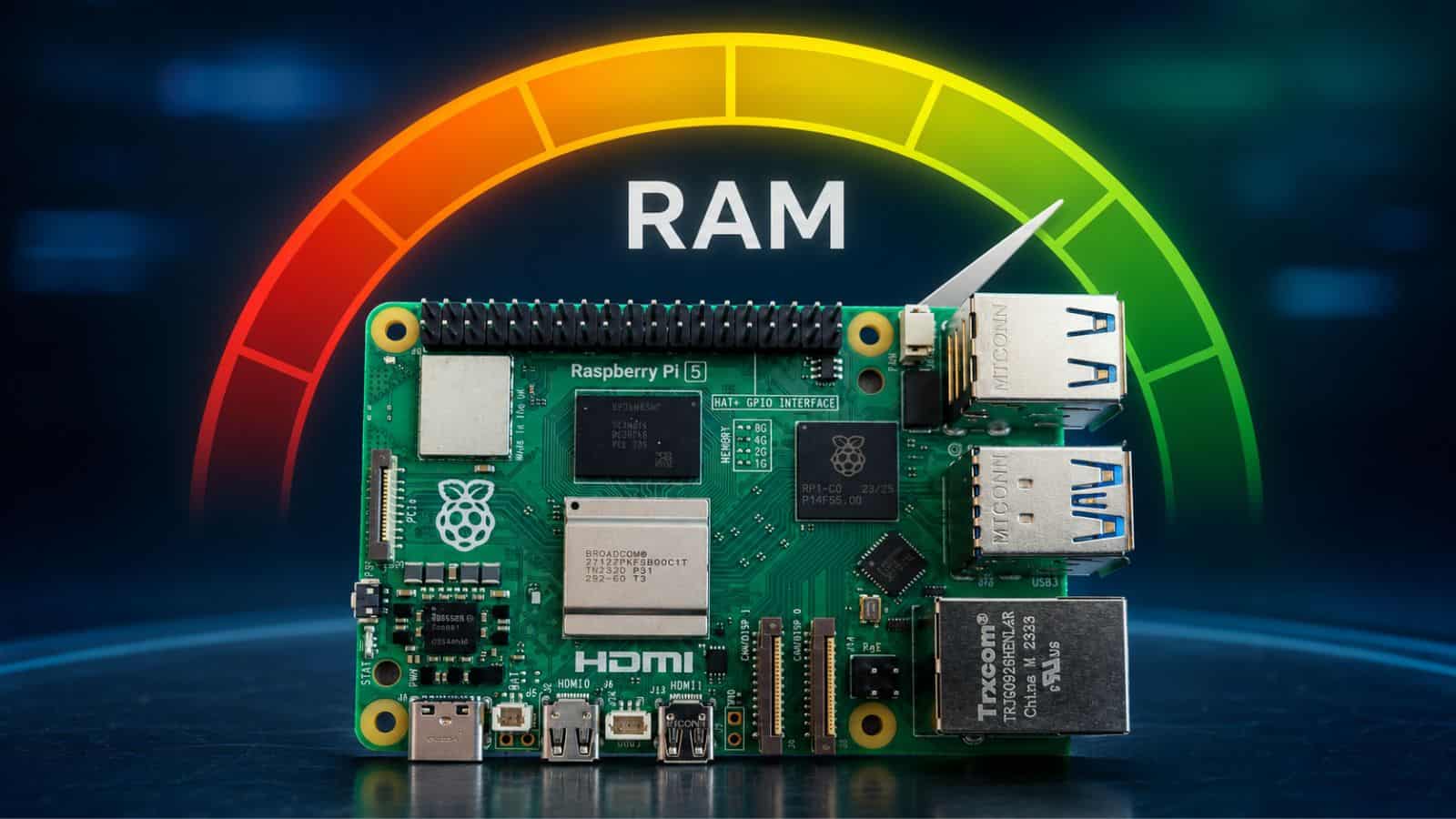
Who Needs a Raspberry Pi With 16GB of Ram?
A Raspberry Pi 5 with 16GB of RAM costs $385 right now. Yikes! And it’s only the bare board, without a power supply, storage, or golden case. So you’ll likely be around $450 for the full setup.
The 8GB version is at $175, and the 4GB is around $110, which is way more affordable.
Whatever you plan to build with a Raspberry Pi, it’s clearly worth taking a few minutes to think about your options. Because getting “the best” Raspberry Pi available is no longer the smart move, given those crazy prices.
Back in January 2025, Eben Upton announced the 16GB version, which was available for $120. That seemed a lot more reasonable (even if I didn’t buy it at that price, as I didn’t see the point, but more on that later).
The official reason for that release was to support large language models, computational fluid dynamics (who does this?), and heavier operating systems (Ubuntu desktop typically).

If you want a clearer path than jumping from tutorial to tutorial, my book gives you a step-by-step roadmap to really understand your Raspberry Pi.
Check the book hereWell, if you have ever tried running large language models on Raspberry Pi, you’ve noticed that the RAM is rarely the only limiting factor. Even with AI hardware, their usage is so slow that it’s not really a practical use case.
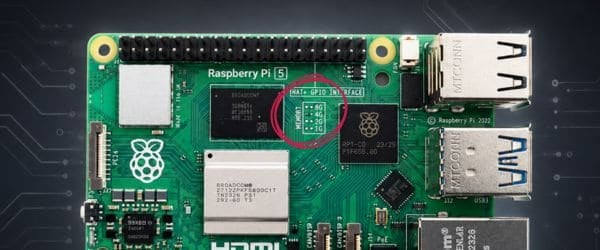
Desktop use (especially with lots of browser tabs open), some kinds of servers (I’m thinking of modded Minecraft servers or larger Docker setups), and really specific projects can probably benefit from having more RAM, but you still need to really think about it.
For a PC replacement, do you really get any benefit of using an Raspberry Pi 5 vs. a $400 mini PC? I’m a big supporter of Raspberry Pis, but I’m not totally convinced it’s the best choice at that price.
For AI projects, maybe the Raspberry Pi 6 will improve things if it comes out one day, but currently, I see too many models that can’t run on Raspberry Pi, which adds another layer of limitations. Just having more RAM won’t fix those issues.
For more advanced projects, you might also consider using a mini PC or splitting your services across a couple of smaller Raspberry Pis. Instead of running 10 Docker containers on a single 16GB Pi 5, you could have two Raspberry Pis with 4GB or 8GB each, running a few services separately.
I’m not saying the 16GB version is useless. I just think its target audience is much smaller than you might expect.
I never bought one, even though I’m testing Raspberry Pi projects all the time. I still haven’t found a project where I really wished I had 16GB instead of 8GB.
My advice is simple: don’t go straight for the most expensive setup just because you think it’s better. Unless you know you’ll need that extra memory, you might be spending another $200 for nothing.
You might want to read this next: Which Raspberry Pi Model to Buy Today: A Complete Guide