
Guides and Tips to Master Raspberry Pi, Python & Linux
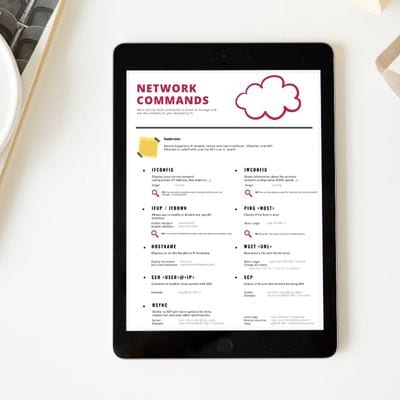
Free cheatsheet
The most useful Linux commands for your Raspberry Pi
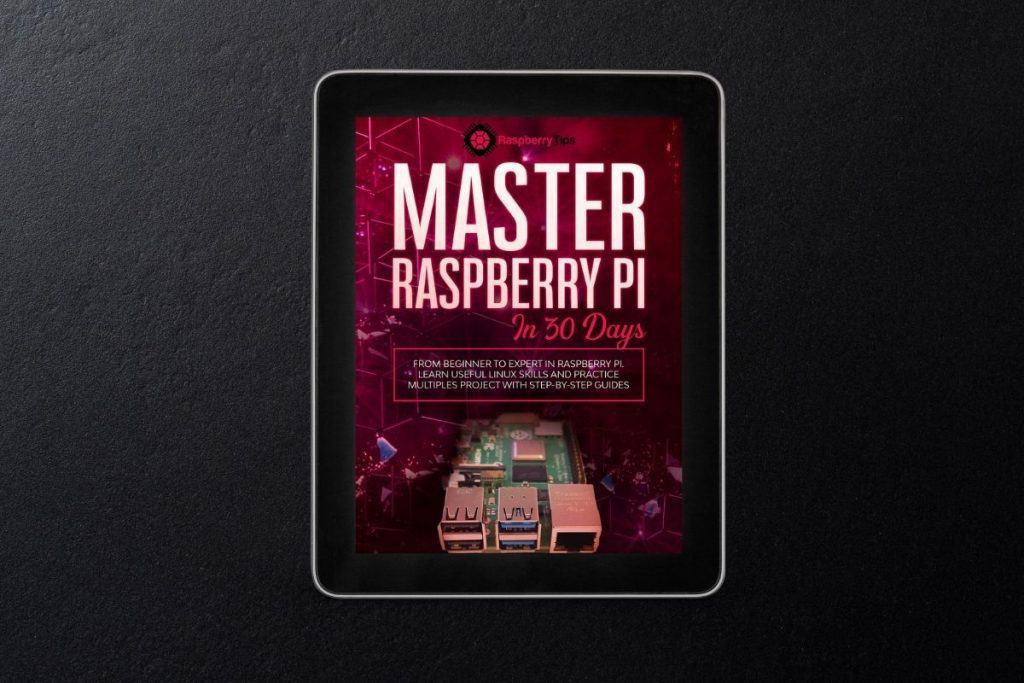
E-BOOK
Master Raspberry Pi
From beginner to expert in Raspberry Pi.
Learn useful Linux skills and practice multiples projects with step-by-step guides.
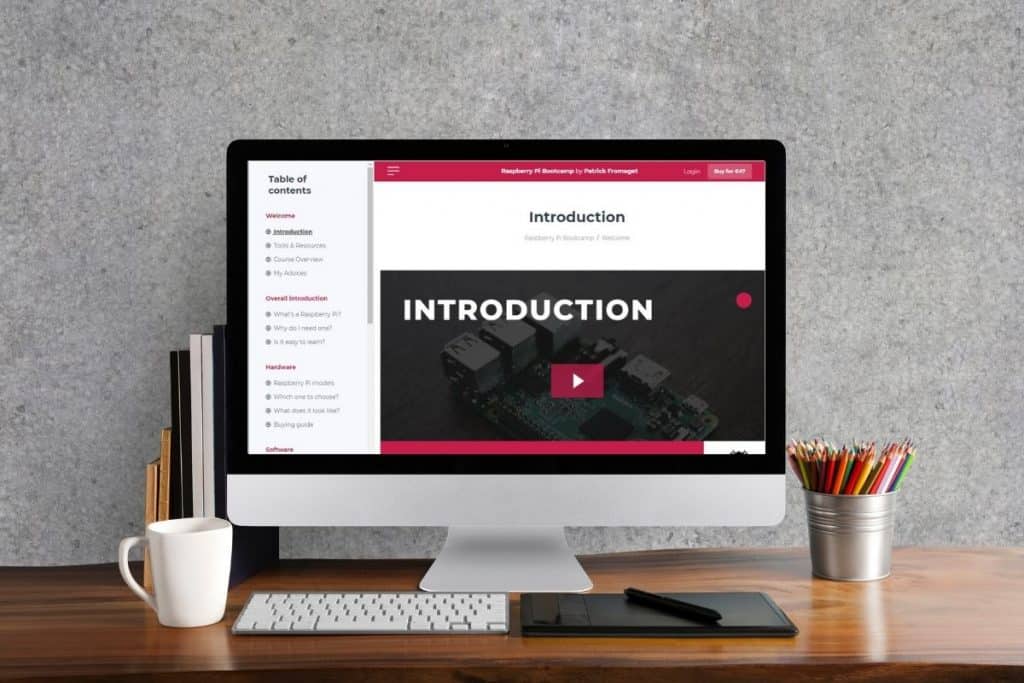
VIDEO COURSE
Raspberry Pi Bootcamp
Set up a Raspberry Pi in less than one hour, even if you have zero experience. Step-by-step instructions with concrete examples.
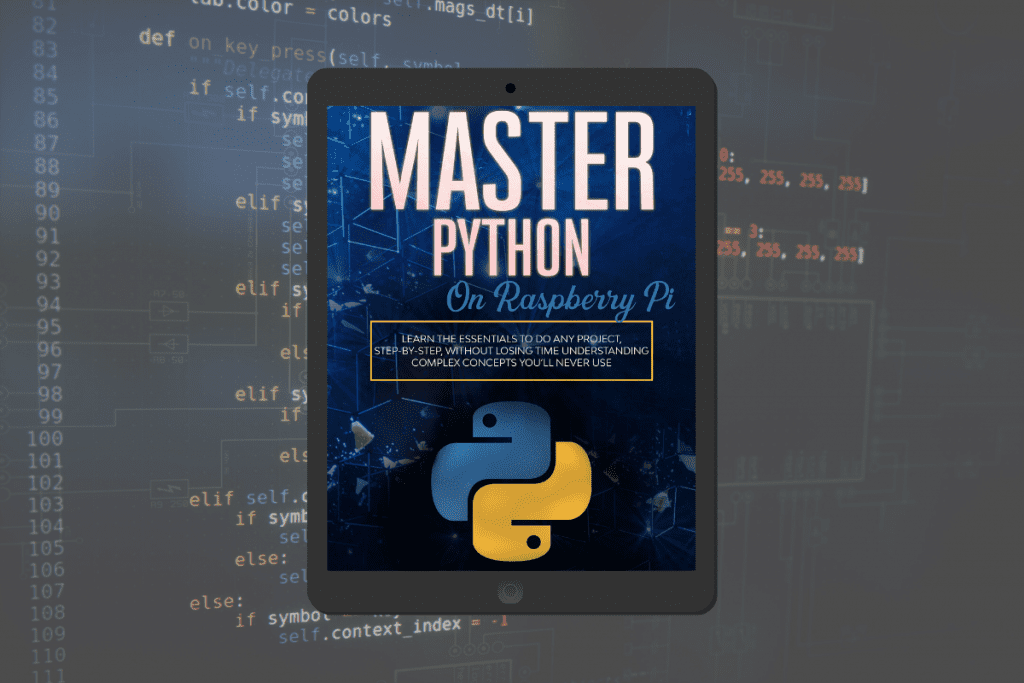
E-BOOK
Master Python
Create, understand, and improve any Python script for your Raspberry Pi.
The essentials, no useless theory.

Join the RaspberryTips Community
Learning and using a Raspberry Pi can feel like a lonely journey – but it doesn’t have to be.
Connect with other Raspberry Pi users on the same path.
Become a member of the RaspberryTips community to share your projects
and get support from me and other members along the way.
Latest Articles

How To Use Kill: The Complete Linux Command Guide
The “kill” command on Linux is a powerful tool that terminates processes running on your system. You’ll generally use it to stop a misbehaving application or to manage system resources efficiently. I’ve summarized the main options in this article. The “kill” command allows users to terminate, interrupt, pause, or resume processes by specifying the process…
Where to Buy a Raspberry Pi: Common Pitfalls & Expert Tips
So, you’re excited to buy a Raspberry Pi but don’t know where to start. You can’t purchase one directly from their official website and with a quick Google search, it isn’t clear who ships directly to your country. There are also a lot of sellers, all with wildly different prices, and you can’t tell which…
How to Easily Install VMware Tools in GNU/Linux
You have probably already used VMware and their virtual machines, but have you managed to reach their full potential? With VMware Tools, you can improve your user experience using any Virtual Machine. VMware Tools can be installed using the package repository that’s included in each Linux Distribution or by using the official VMware installer integrated…
How to Use Zoom Meeting on Raspberry Pi? (Video Conference)
Zoom is a video conferencing software that literally exploded during the lockdown in 2020. It’s almost the default software now for any company to keep in touch with its employees, but also often used in other areas like education and marketing. The goal today is to find the best way to access Zoom conferences from…
How to Install and Configure OpenSUSE on Raspberry Pi?
OpenSUSE is a Linux distribution that has been part of Linux history since 2005 and now has an official release for Raspberry Pi. It’s different from everything else, so you might need help getting started. Let’s do that. Two official images of openSUSE are available for the Raspberry Pi: “Leap” and “Tumbleweed”. The former is…
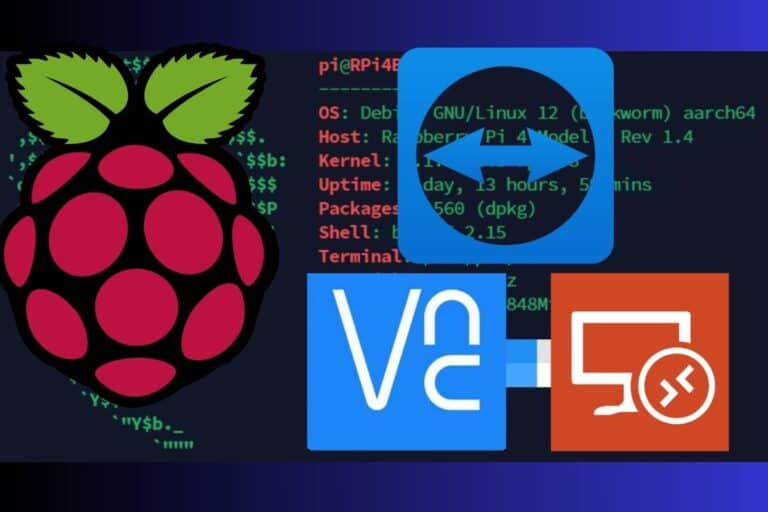
3 Easy Ways to Access Your Pi Over the Internet Remotely
Have you ever wanted access to your Raspberry Pi when you were away from home? Maybe you already know how to do it from the same network, but would like a similar solution for remote access, from work or a friend’s house. In this article, I’ll share a few easy (and free) ways to access…
Explore More Topics





About Me
Hi, I’m Patrick. I am a Linux system administrator, and I am passionate about the Raspberry Pi
and all projects on this topic. I created this site to share with you what I learned about it.