What are GPIO pins on Raspberry Pi?
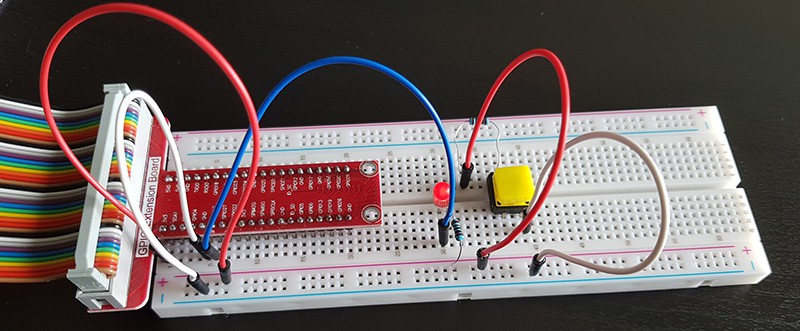
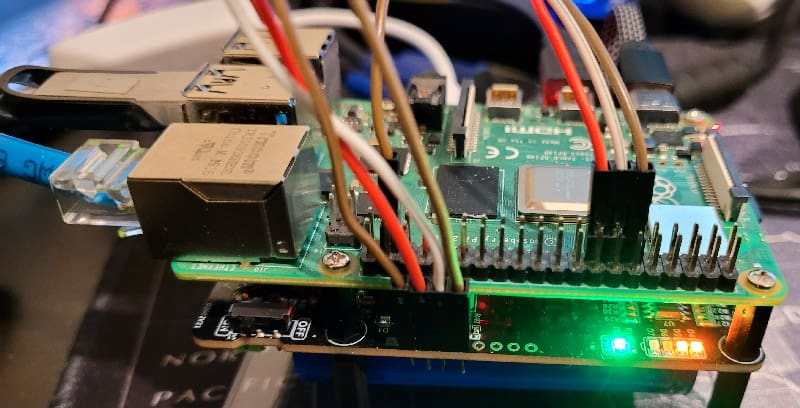
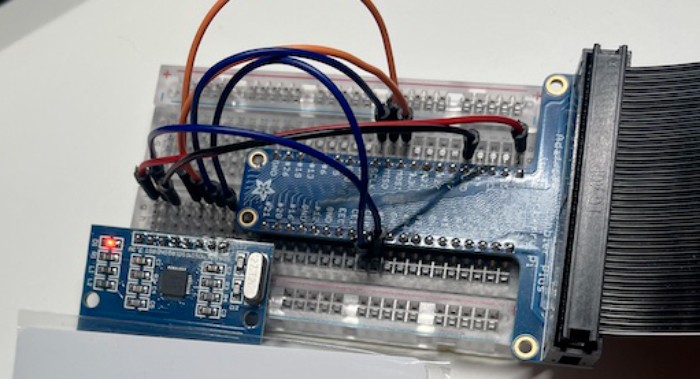
GPIO stands for General Purpose Input/Output. On a Raspberry Pi, it refers to the pins on the board. They allow the Raspberry Pi to interact with external electronics in various projects (LEDs, sensors, buttons, etc.).
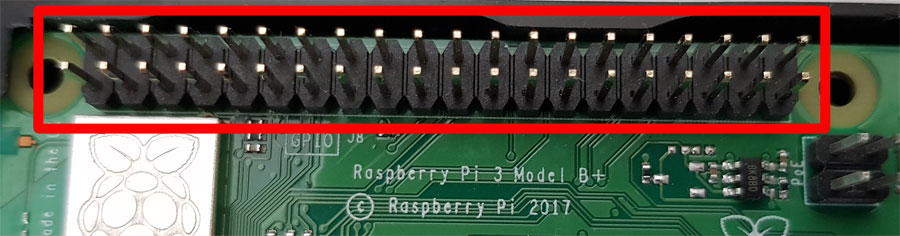
GPIO is a key feature of a Raspberry Pi, and explains (in part) its success as a device for learning to code, for DIY and robotics projects. Believe me, having done tons of useless projects at school to learn programming, learning with something concrete, visual, where you can see your result with your own eyes and not in log files is much more appealing.
It's a free PDF guide containing every Raspberry Pi Linux command you should know!
Download now
These pins are input/output because they can be programmed to either receive data (input) or send a signal (output). This is usually done using Python code, which is the default on Raspberry Pi, but other languages are supported (such as C/C++).

Join Our Community!
Connect, learn, and grow with other Raspberry Pi enthusiasts. Support RaspberryTips and enjoy an ad-free reading experience. Get exclusive monthly video tutorials and many other benefits.
It's a free PDF guide containing every Raspberry Pi Linux command you should know!
Download now
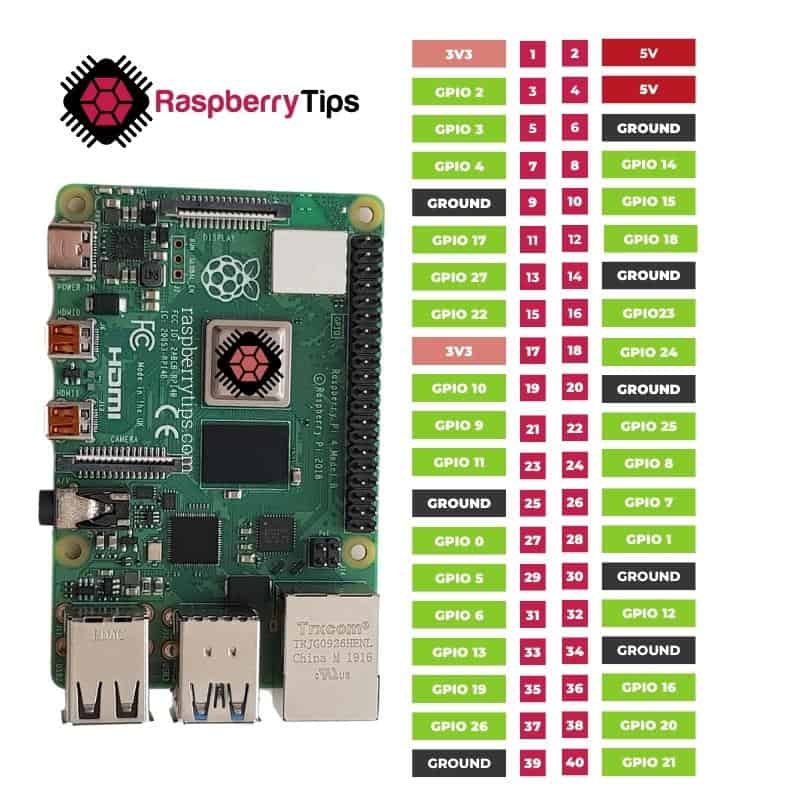
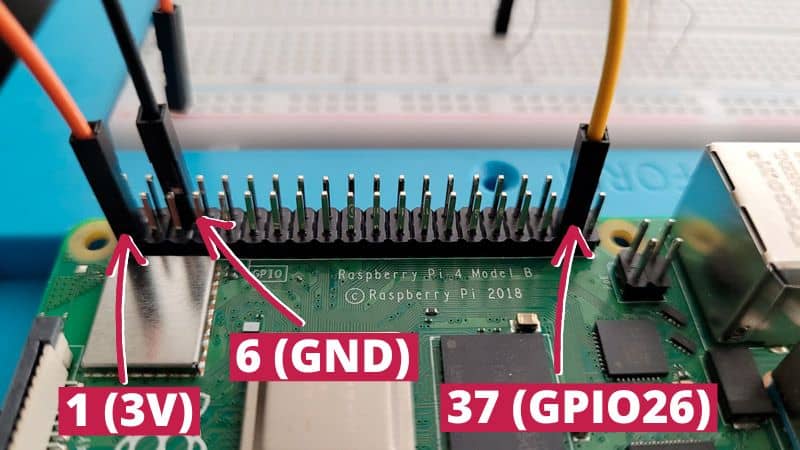
I don’t want to get into technical details here, but just as an introduction, each pin has a different number and role that you will use in your code to read or send a signal. You can check the picture below to get an idea, and I have a full article with the GPIO pinout here.
Then check out these articles for an introduction to using Python and GPIO pins:
- Getting Started with GPIO Pins on Raspberry Pi (Beginners guide)
- How to Learn to Program in Python with a Raspberry Pi?
And the best way to learn is to find a project that interests you and try to build it on your end:
- How To Connect and Code a Motion Sensor with Raspberry Pi
- How to Read and Write RFID Tags With Raspberry Pi
- 15 Fun Raspberry Pi Projects to Experiment with Python
- The 11 Best Raspberry Pi Robot Kits for Beginners in 2024